

Owner-operators
Maintenance, MOC and process engineers in oil and gas, LNG and chemicals
Top concerns
In a trialYour P&IDs as clickable drawings, an instrument index and line list, and cited answers to your own questions.
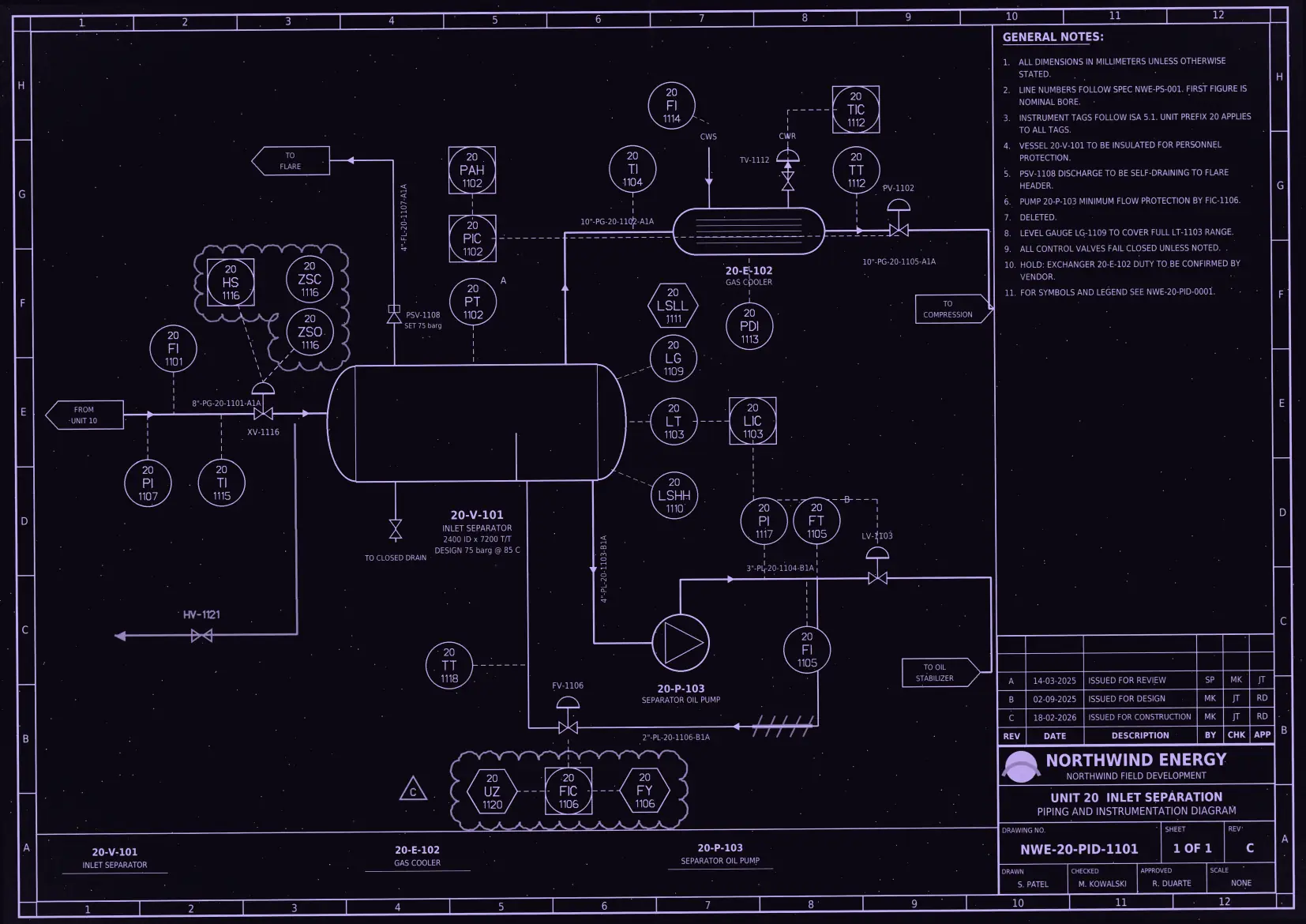
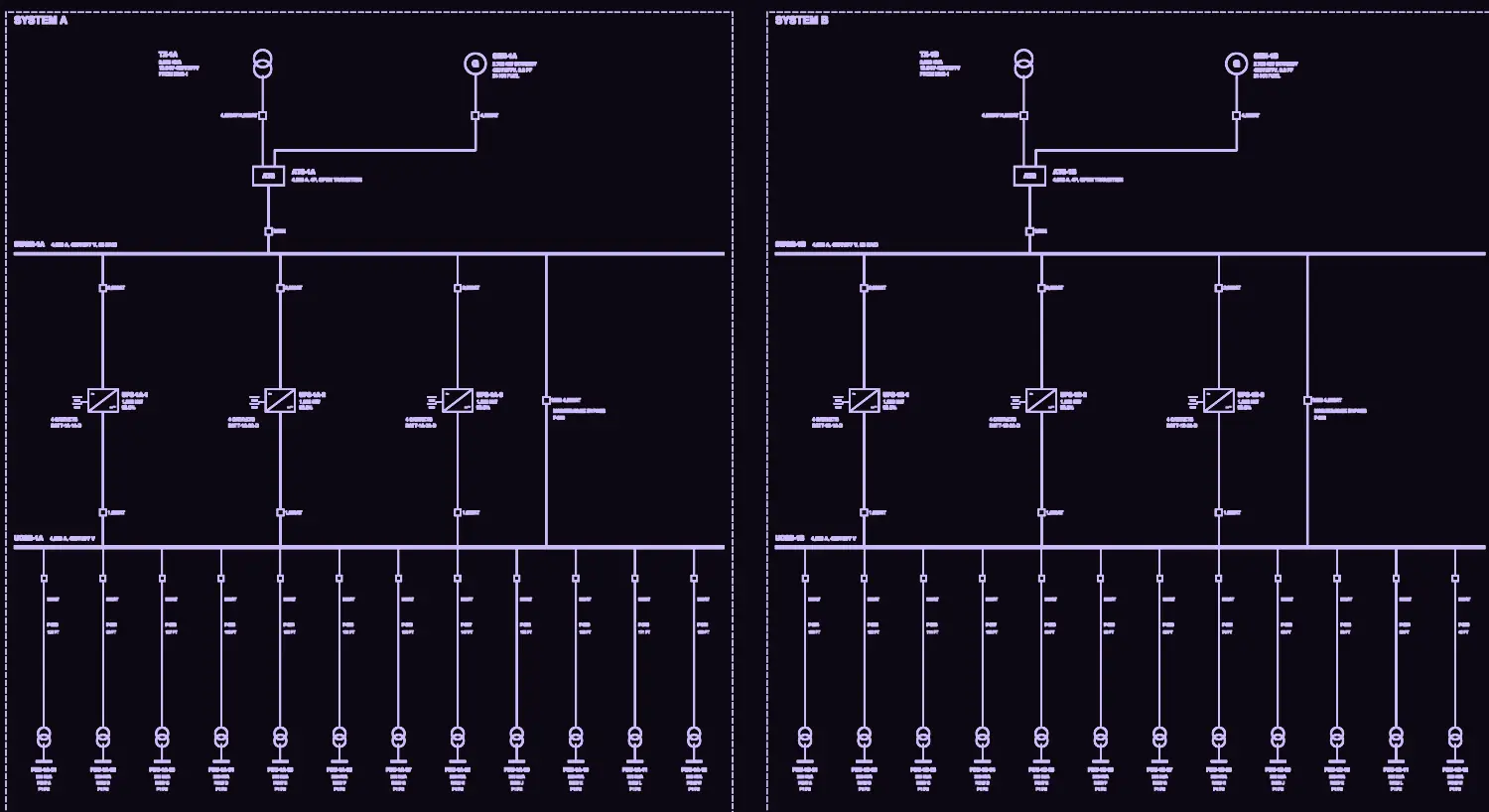
Your P&IDs, single-lines, datasheets and schedules each describe the same plant differently. The agent connects these unstructured documents into one context, so engineers can ask in plain language and get answers cited to the exact spot on each sheet.
The same pump is described one way on the P&ID, another on its datasheet and a third in the equipment list. The agent connects them, so engineers can query them together.
Every mention, on every sheet and revision, links to one tag page.
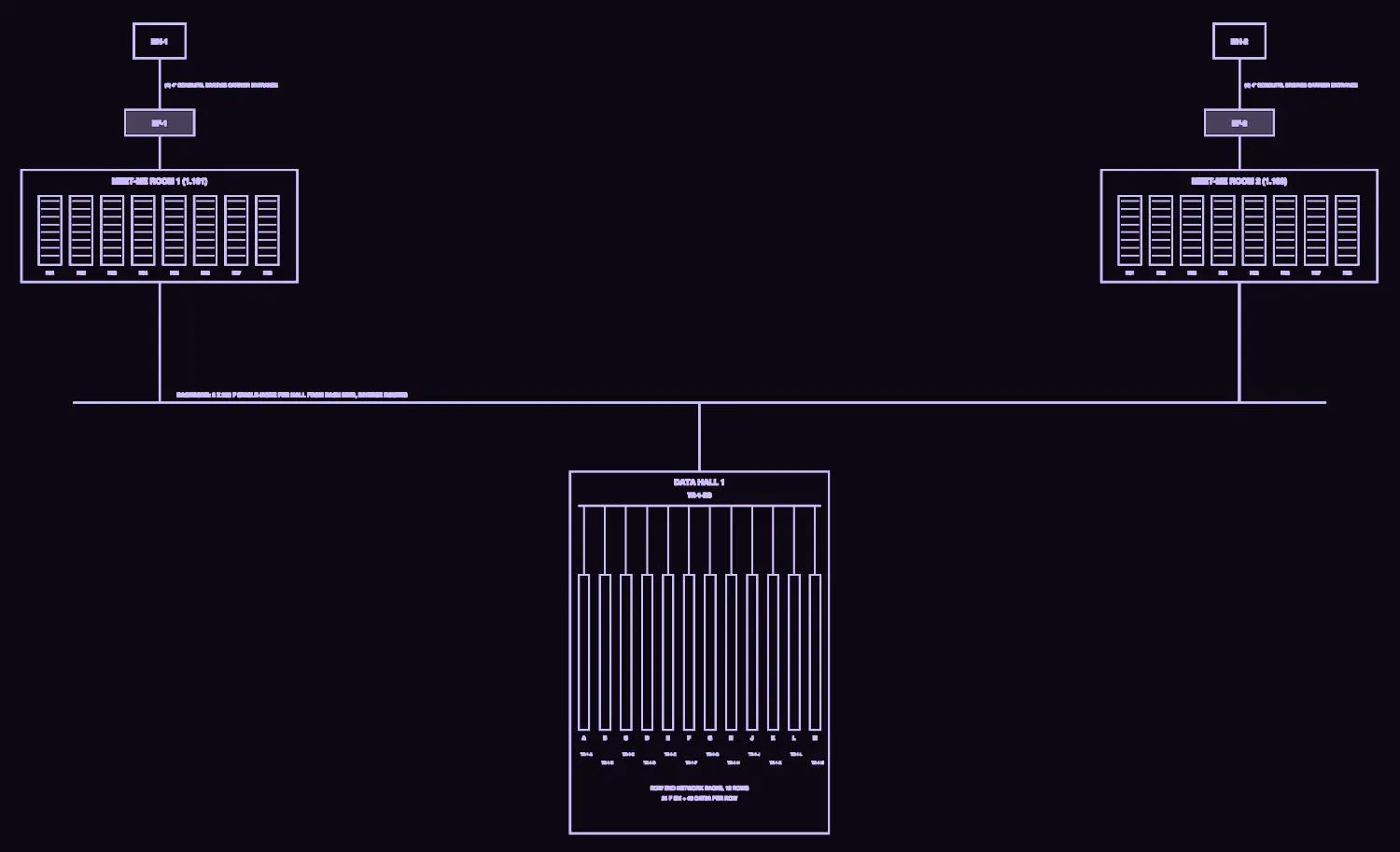
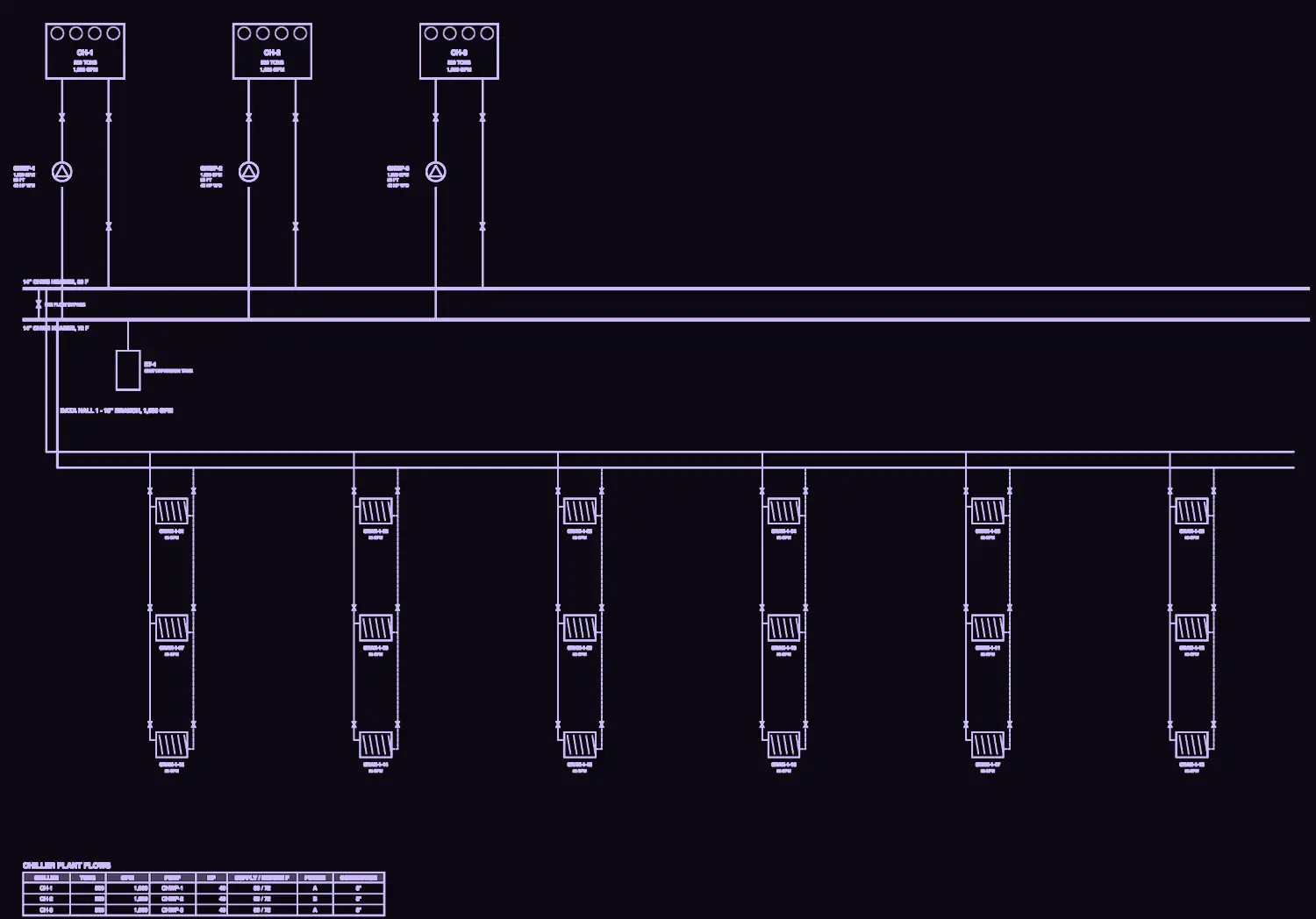
Aliases join the same asset across mechanical, electrical, telecom and BMS names.
The agent lists everything a change affects as a checklist, across disciplines.
Each client comment is captured with the tags it touches and the other sheets that must change.
The agent holds every drawing, schedule and note as one connected context. Click a tag, follow a change, or ask in plain language.

Mechanical: no typed link to PDU-1A-05 on these drawings.
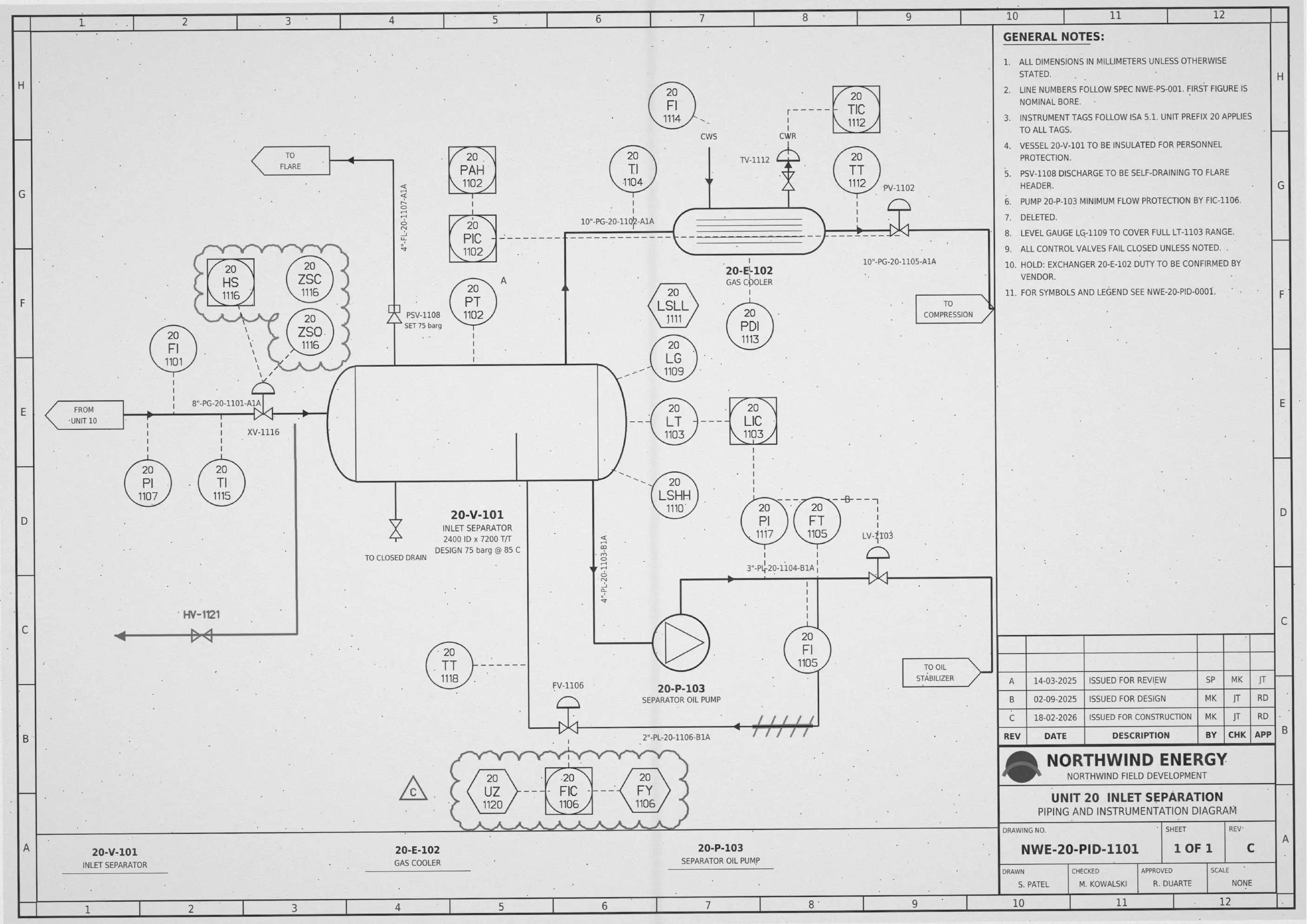
Click any tag on the sheet to open its page. Use the layers to filter by type.
Illustrative interface · drawings are fictional, generated for demonstration · tag values come from those drawings · comment text is illustrative
The same five steps run on every package. Engineers only see the items that need them.
Upload your legend, tag rules, abbreviations and colour codes. Presets cover ISA-5.1 and IEC 81346; owner and project schemes are added in a form with a live test box, so each client's conventions are captured without a services project.
The PDF's own text layer, OCR and a drawing-aware vision model check each other. Overlapping tiles stop line numbers being cut off at the seams. Title blocks, schedules, tables, notes and the common P&ID and electrical symbols are read too, and poor scans are flagged before they are read.
Every mention, on every sheet and revision, links to one tag page. Sheet references, off-page connectors, instrument loops, feeders and port-to-port connections become typed links, each with its evidence. Aliases join the same asset across mechanical, electrical, telecom and BMS names. Uncertain matches are proposed, never merged silently.
Each item carries a confidence score. Confident items are accepted in bulk; reader disagreements, merges and conflicts go to a Needs-you queue. Repeated corrections become project rules after a dry run that shows what will change.
Ask a question the way an engineer would. The agent searches, follows links across drawings, datasheets and schedules, counts, and answers with citations, saying so when the documents don't support an answer. It can also list everything a change affects as a checklist. Every exported row links back to its evidence.
The agent measures itself against your labelled sheets and shows where it is unsure.
Precision and recall at each level, by drawing type and discipline.
Bars show the dashboard layout only. Your trial reports measured values on your own drawings.
Owners, operators, EPCs and engineering partners each start with the job that hurts most.
Maintenance, MOC and process engineers in oil and gas, LNG and chemicals
Top concerns
In a trialYour P&IDs as clickable drawings, an instrument index and line list, and cited answers to your own questions.
Electrical and MEP engineers running live halls
Top concerns
In a trialElectrical and MEP sets tagged. Search a breaker or valve and export every affected sheet as a checklist.
Process, electrical and telecom designers, and document controllers
Top concerns
In a trialA client-marked P&ID, wiring or telecom package with every comment captured, the tags it touches and the other sheets that must change.
Digitalisation teams running conversion programmes
Top concerns
In a trialRules your engineers set themselves, clickable drawings and an asset hierarchy export for your target system.
Everything it takes to go from a drawing set to cited answers, before, during and after the read.
Your legend, tag rules, abbreviations and colour codes, with presets for ISA-5.1 and IEC 81346.
Vector and scanned PDFs, TIFF, PNG and JPG scans, datasheets and SharePoint libraries.
Equipment lists, instrument indexes and cable schedules seed the tag dictionary.
The PDF text layer, OCR and a drawing-aware vision model check each other.
Every mention, on every sheet and revision, links to one tag page.
Sheet references, off-page connectors, loops, feeders and port-to-port connections, each with its evidence.
Confident items are accepted in bulk. Disagreements, merges and conflicts wait for an engineer.
Answers link to the box they came from, and say so when the documents do not support one.
Everything a change affects, as a checklist, with a deep link from every row.
Registers as XLSX, CSV and JSON, a read API and an asset hierarchy.
Repeated corrections become project rules after a dry run that shows what will change.
Every decision audited. Revisions kept, never overwritten.
Privacy & security. Runs on NeIO inside your boundary, under NeIO Govern controls: single sign-on, project roles, a tamper-evident audit log and a per-project choice of hosted or local models.
Vector and scanned PDFs, TIFF, PNG and JPG scans, equipment datasheets, spec sheets and SharePoint libraries, plus equipment lists, instrument indexes, line and valve lists, cable and panel schedules, BMS point lists and document registers.
A tag register, document register, instrument index, valve and line lists, equipment list, cable and connection list, loop and feeder lists, comment register, register gap reports and an asset hierarchy. All export as XLSX, CSV or JSON, or through a read API, filtered to reviewed items when you need them.
No custom code per client. Your legend, tag rules, abbreviations and colour codes go into a context pack, with presets for ISA-5.1 and IEC 81346. Owner and project schemes are added in a form with a live test box.
Uncertain matches are proposed, never merged silently, and go to a Needs-you queue for an engineer. When nothing supports an answer, it says "not in the drawings" rather than guessing.
Start with a representative set of your own sheets.
Bring one package and we will show you every tag, link and cited answer, in your environment.